Collards that actually click.
My Thanksgiving collards started as a screenshot from the Notes app. I used Claude to turn it into a checklist with two simmer timers. Here's how the build came together, how to make one from your own recipe, and the greens that started it.
Build your ownJump to the recipe
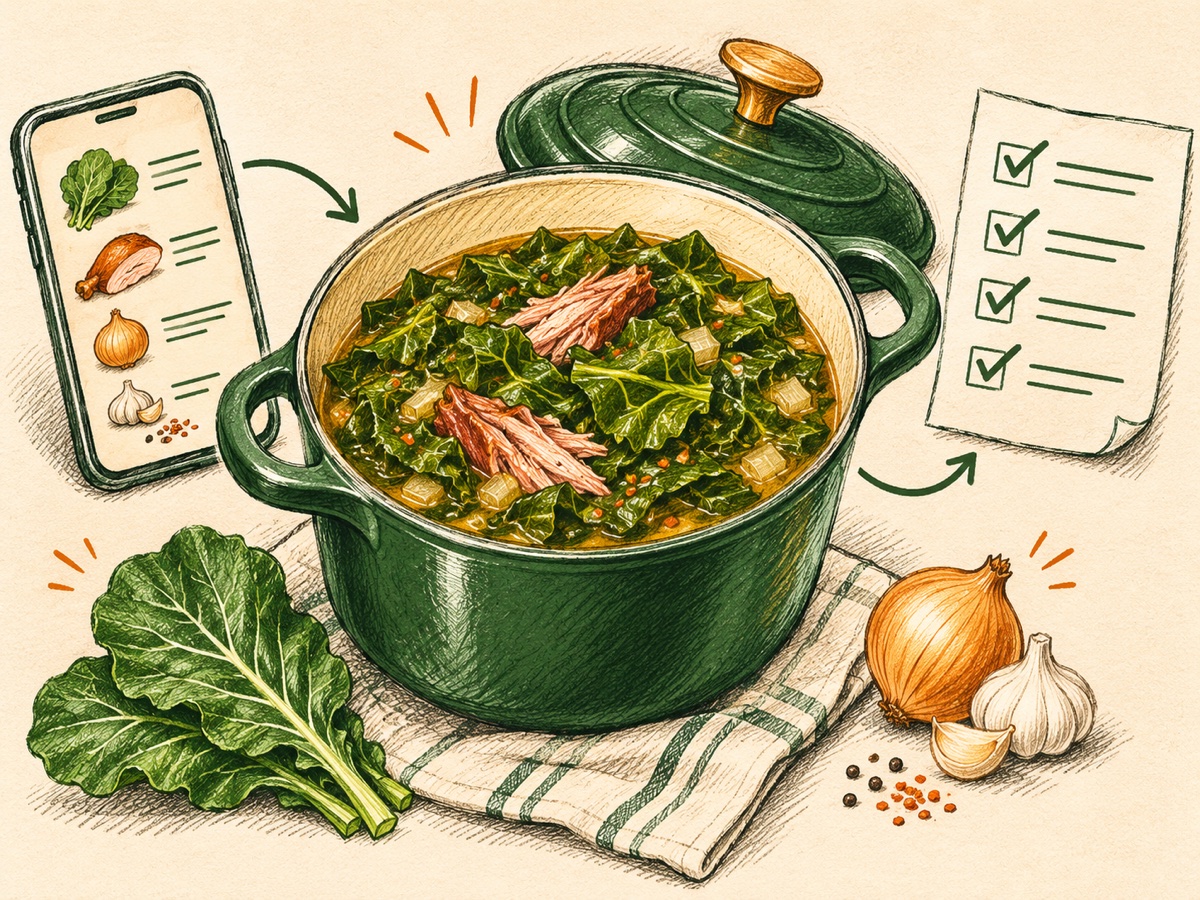
From screenshot to working artifact
The source was a recipe note on my phone, not a spreadsheet, a meal-planning app, or a polished spec. What I wanted at the stove was simple: see what I'd pulled out, know which step I was on, and time the two simmers separately. Claude handled the format. The recipe was still mine to check.
- Start with one readable recipe. I used a screenshot of my Notes app. A clear photo of a recipe card or pasted text works as a starting point too. Capture the whole ingredient list and method in order. Crop out notifications, names, and anything else you wouldn't want to upload.
- Get the recipe right before you build the interface. For your version, ask Claude to transcribe the source into ingredients and numbered steps, then compare the result with the original. In mine, details like 4 cups of broth, the optional peppers, and the distinction between a one-hour broth simmer and a two-hour greens simmer were worth checking. Make it flag unreadable handwriting or a missing unit rather than guessing.
- Turn the checked recipe into a tool. Ask for a single-page interactive artifact. Keep ingredients and steps separate so you can tick off the groceries and your cooking progress independently. Put each timer beside the step it belongs to. In the collards artifact, that meant a one-hour timer for the pot liquor and a two-hour timer for the greens. Your banana bread might only need one bake timer.
- Do a dry run on your phone. Check an ingredient, finish a step, and try starting and resetting a timer. Reload the page and see what happens. If a timer stops when the phone locks, use your phone's Clock app as a backup. A timer is a reminder to check the food, not proof that it's done.
- Test the link before sharing. If you publish the artifact, open the public link in a private browsing window. Confirm you can read the recipe and use the controls without seeing the source screenshot or needing the original chat. Share only recipes you own or have permission to republish.
Want to see the end result first? Open my collards artifact and try a checkbox or one of the timers.
Copy this prompt for your recipe
Attach your recipe screenshot or paste the recipe as text. This is a reusable version of the workflow, not a transcript of my original chat.
Turn my attached recipe into a phone-friendly cooking checklist.

First, show me the ingredients, quantities, units, servings, and numbered steps as you read them. Keep substitutions and optional items separate. Flag anything missing or unclear as [confirm] instead of guessing. Wait for me to verify the recipe.

After I say "Build it," create a single-page interactive Artifact. Give ingredients and steps separate checkboxes, and add a reset button. Add timers only to steps with an explicit duration, and put each timer next to its step. Make the controls easy to read and tap on a phone.

Do not include the original image in the artifact or add new ingredients, temperatures, or times. Give me a short test checklist before I share it.
Sources
- Recipe inspiration: Whisk It Real Gud's Southern Collard Greens
- Food safety: USDA minimum internal temperatures
Cooking from your phone?
The original checklist has a one-hour timer for the pot liquor and a two-hour timer for the greens.
Open the checklist with timers